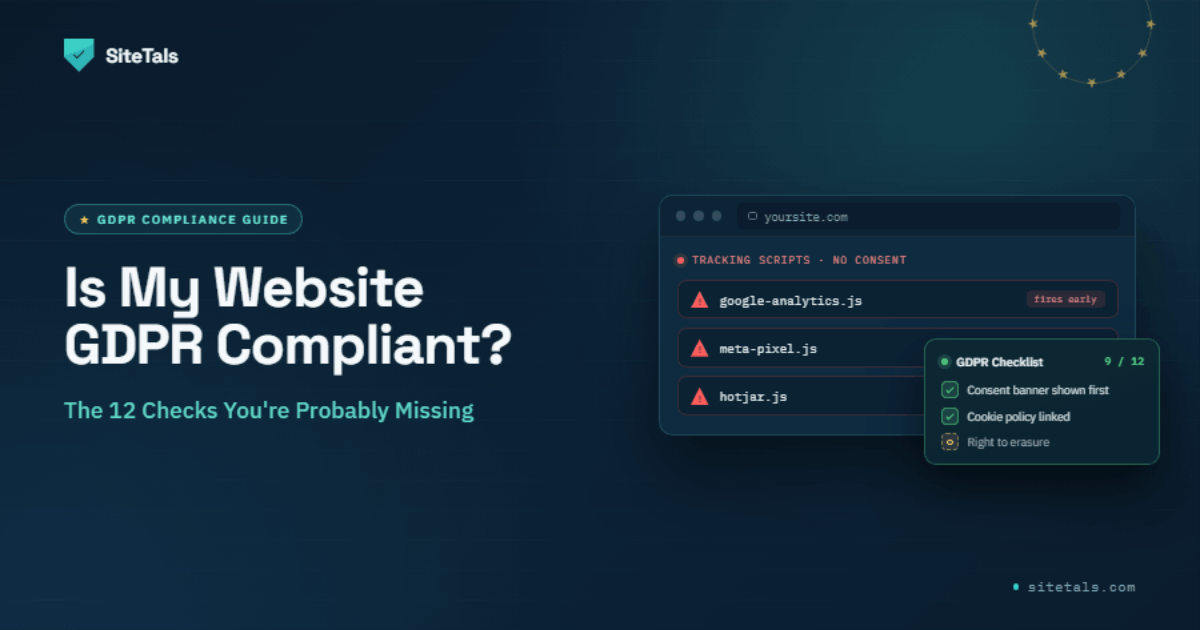
🎬 Video summary and slide deck available at the end of this article.
Having a cookie banner doesn't mean you're compliant. Most businesses have done something — installed a banner, added a privacy policy, checked a box. Doing something and being compliant are not the same thing. CNIL's automated scanning tools don't care about the banner's existence; they test whether it actually works.
Here are the 12 checks that reveal the actual state of your website's GDPR compliance. Run through them honestly.
Disclaimer: This article is for informational purposes only and does not constitute legal advice. GDPR requirements vary by jurisdiction and evolve over time. Consult a qualified lawyer for advice specific to your situation.
GDPR compliance isn't a binary state — it's a combination of technical configuration, legal documentation, and process. You can have a perfect privacy policy and still have compliance gaps because your cookie banner isn't blocking scripts. You can have perfect cookie consent and still have compliance gaps because your privacy policy doesn't mention your analytics provider.
All 12 checks below matter. Passing 10 of 12 doesn't mean you're "mostly compliant" — it means you have 2 violations a regulator could act on.
Open your website in an incognito/private browser window. Open developer tools (F12 → Network tab). Load the page without clicking anything on your cookie banner. Look for outbound requests to:
google-analytics.comgoogletagmanager.comconnect.facebook.net (Meta Pixel)static.hotjar.comlinkedin.com/li.lms-analyticsIf any of these appear before you interact with your cookie banner: fail. This is the single most commonly enforced GDPR violation in France and Germany. CNIL's automated scanning tools look for exactly this.
Fix: Configure your consent management platform to block these scripts until consent is granted.
Open your cookie banner. Count the clicks to accept all cookies. Count the clicks to refuse all cookies.
If refusing requires more clicks, different visual weight, or more scrolling than accepting: fail. CNIL's 2021 guidelines are explicit. CNIL fined Google (€150M) and Facebook (€60M) in December 2021 for exactly this — making it harder to refuse cookies than to accept them.
Fix: Add a "Refuse All" button at the same visual level as "Accept All" — same size, same color weight, same step.
Want a scan that checks both automatically? Run a free CNIL compliance scan →
Read your privacy policy. Make a separate list of every third-party tool on your website: Google Analytics, HubSpot, Mailchimp, your payment processor, your live chat provider, your CDN.
If any tool on your website isn't mentioned in your privacy policy: fail. You are required to disclose every entity that receives personal data from your site.
Fix: Add a data processor table to your privacy policy listing each tool, what data it receives, and where it processes it.
Find the section in your privacy policy that explains how long you keep data.
If this section doesn't exist, or says "as long as necessary" without a defined period: fail. GDPR Art. 13 and 14 require you to state retention periods. Vague language is a cited violation in multiple CNIL decisions.
Fix: Define specific retention periods for each data category: contact form submissions (X months), customer purchase records (X years), newsletter contacts (X years from last interaction).
Use a browser extension (Cookie Editor, EditThisCookie) or check developer tools (Application → Cookies) to see every cookie being set on your site. Compare to what your banner declares.
If cookies are being set that aren't declared in your banner or cookie policy: fail. Plugin updates, third-party embeds, and social widgets frequently add undeclared cookies.
Fix: Audit your actual cookies, update your consent platform's configuration, regenerate your cookie declaration.
France (Mentions légales): Must include: company name, legal status, registered address, SIRET number, publication director name, hosting provider.
Germany (Impressum): Must include: business name, physical address (not PO box), phone number, email, commercial register number, VAT ID, responsible person for content.
If any required element is missing: fail. German Impressum violations are enforced through private Abmahnung — competitors can send cease-and-desist letters for these failures without involving a regulator.
Fix: Check against the DDG §5 (Germany) or LCEN Article 1-1 (ex-Article 6) (France) requirements.
View source on your website (Ctrl+U) or check the Network tab for requests to fonts.googleapis.com or fonts.gstatic.com.
If external Google Fonts requests appear: fail (Germany specifically). LG München ruled in 2022 that loading Google Fonts from Google's CDN violates GDPR because each page load sends visitor IP addresses to Google without consent.
Fix: Self-host your fonts:
fonts.googleapis.com URL in your HTML..woff2 files./fonts/ directory on your own domain.<link> tag with a local @font-face declaration.Find your contact form. Is there a visible statement explaining: what data is collected, who processes it, how long it's kept, and what the user's rights are?
If users can submit a form without being informed about how their data is used: fail. GDPR Art. 13 requires disclosure at the point of collection.
Fix: Add a one-line disclosure with a link to your privacy policy under every form that collects personal data.
In your consent management platform (CMP) admin, can you see a log of when consent was collected and what was accepted or refused?
If your CMP doesn't store consent records: fail. GDPR requires you to be able to demonstrate that consent was validly collected (Art. 7(1)).
Fix: Enable consent logging in your CMP.
GDPR gives users the right to access, correct, delete, and restrict processing of their data.
If there's no mechanism for users to submit rights requests, or if no one in your organization knows what to do when one arrives: fail.
Fix: Add a dedicated email address (e.g., privacy@yourcompany.com) to your privacy policy. Document internally what happens when a request arrives.
Open your website. Check for the padlock icon. Try accessing http:// — it should redirect to https://.
If your site doesn't redirect HTTP to HTTPS, or if your certificate has warnings: fail. Transmitting personal data over unencrypted connections is a data security failure that regulators cite.
Fix: Ensure SSL is properly configured and all HTTP traffic redirects to HTTPS.
GDPR requires you to notify your DPA within 72 hours of discovering a breach (Art. 33).
If "data breach" would trigger confusion rather than a response procedure: fail.
Fix: Document a one-page breach response procedure. It needs to exist and be known.
| Checks passed | What it means |
|---|---|
| 12/12 | You're in strong shape. Run a technical scan to confirm. |
| 9–11/12 | Likely exposed on at least one CNIL/German enforcement pattern |
| 6–8/12 | Multiple active risks. Prioritize checks 1, 2, 6 immediately. |
| Under 6/12 | High priority remediation needed. Start with cookie consent. |
If you only do three checks today, do these:
These three cover the violations CNIL and German Abmahnung enforcement detect most efficiently.
The 12-point checklist above is a manual review. An automated scan catches what's harder to verify by hand.
Full PDF report with prioritized remediation list: €49.
My developer said my website is GDPR compliant. Is it?
Developers build; they don't audit legal compliance. Unless your developer specifically reviewed cookie consent configuration, privacy policy content, and legal notice completeness against current GDPR and country-specific requirements — their "it's compliant" is about code, not compliance.
I have a cookie banner. Doesn't that mean I'm compliant?
Not by itself. Check 1 and Check 2 above describe the two most common ways a cookie banner fails compliance: tracking scripts that fire before the banner is interacted with, and a banner design where refusing is harder than accepting.
What's the most common violation in France?
Cookie consent failures — specifically tracking scripts that load before consent (Check 1) and banners that make refusing harder than accepting (Check 2). CNIL has used automated scanning to enforce these at scale since 2021.
What's the most common violation in Germany?
In terms of regulatory enforcement: pre-consent tracking scripts and Google Analytics without consent. In terms of private Abmahnung: incomplete Impressum (Check 6) and incorrect e-commerce withdrawal notices. Both categories generate hundreds of enforcement actions per year.
How often should I re-run this checklist?
At minimum once per quarter, and immediately after: adding any new marketing or analytics tool, changing your website platform, running a redesign, or when a CNIL/BfDI enforcement update is published. See Why Compliance Isn't a One-Time Check for the full picture.
Do these requirements apply to small business websites?
Yes. GDPR applies regardless of company size. The Abmahnung system in Germany is specifically efficient against small businesses because the cost of challenging exceeds the cost of settling. CNIL's automated scanning doesn't distinguish by company size.
Related reading:
Sources: GDPR Articles 7, 13, 14, 33 · CNIL enforcement decisions 2022–2025 · CNIL Cookie Guidelines (2021, updated 2022) · DDG §5 (Germany) · LCEN Article 1-1 (France) · LG München I Az. 3 O 17493/20
Sitetals Editorial
A walkthrough of the 12 checks that reveal your website’s real GDPR posture — and the ones most businesses miss.