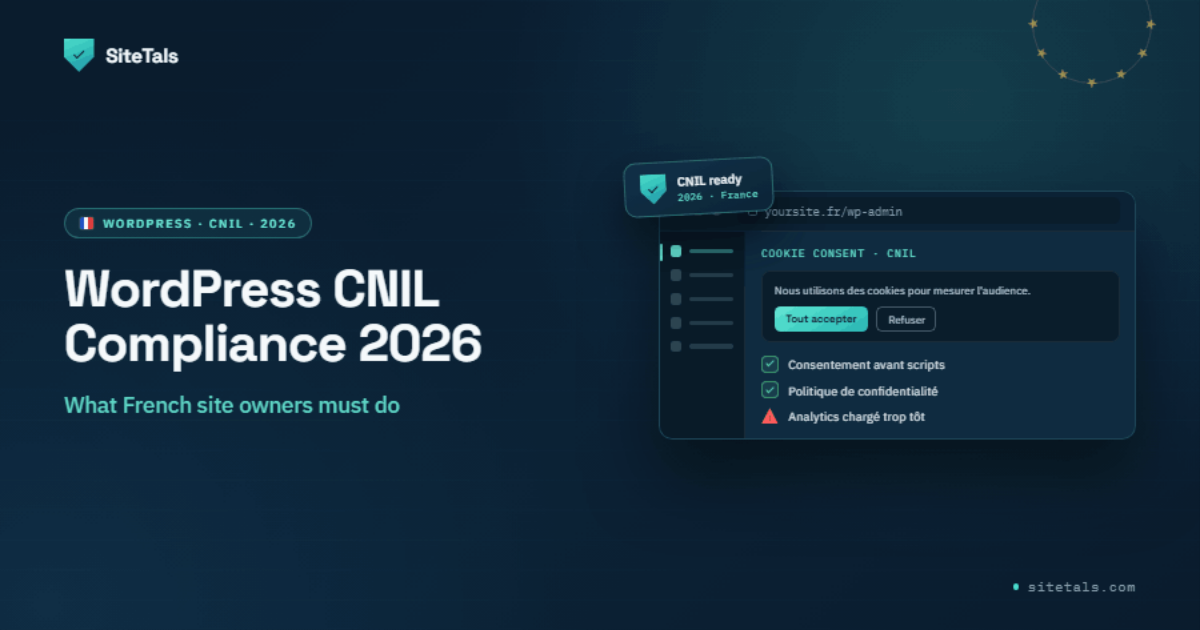
WordPress powers roughly 40% of websites. CNIL — France's data protection authority — has made website cookie consent one of its top enforcement priorities since 2021. These two facts are on a collision course.
If your WordPress site has a French audience, you are in CNIL's scope. This is not theoretical: CNIL has fined publishers, retailers, and B2B software companies — all running standard WordPress setups — for violations you can fix in an afternoon.
This guide tells you exactly what CNIL requires, which plugins are worth using, and where most WordPress sites fail.
Disclaimer: This article is for informational purposes only and does not constitute legal advice. CNIL guidelines evolve. Consult a qualified lawyer for specific advice.
CNIL's enforcement pattern is consistent. The agency looks for three failures, in roughly this order:
Before you touch your cookie banner, find out what's actually loading.
How to check: Open your site in an incognito window. Open browser developer tools (F12 → Network tab). Load the page without accepting cookies. Filter by "third-party" requests. Every external request that fires before you click anything is a potential CNIL violation.
Common offenders on WordPress sites:
If any of these load before consent — on a French-audience site — you have a CNIL problem.
Run a free Sitetals scan to get a structured report of what's loading pre-consent on your site.
Google Site Kit warning: If you installed GA4 via Site Kit (Google's official WordPress plugin), it may be injecting GA4 scripts directly into your page — independently of your consent plugin. Verify in Chrome DevTools that
gtagrequests do not fire before consent, even with Site Kit active.
Not all cookie consent plugins are CNIL-compliant. The key requirements:
| Plugin | Refuse All button | Auto-blocks scripts | Consent log | Price |
|---|---|---|---|---|
| Complianz | Yes (configurable) | Yes | Yes | €59/year |
| Cookiebot | Yes | Yes | Yes | From €9/month |
| CookieYes | Yes (yes (verify placement)) | Yes (paid tiers) | Yes (paid tiers) | Free + paid |
| WP GDPR Compliance | Manual | No | No | Free |
Plugin pricing as of June 2026 — verify current pricing on each vendor's site.
Complianz — Solid EU focus, French language supported, generates cookie declaration. Meets CNIL requirements when configured correctly.
Cookiebot — Scans your site, auto-categorizes cookies, blocks pre-consent. More automated discovery; higher cost.
CookieYes — Basic features free, paid tiers add auto-blocking and reporting. Adequate for small sites; verify Refuse All button placement manually.
What to avoid: Any plugin that only shows a banner without blocking scripts. The banner is not the fix — blocking the scripts until consent is given is the fix.
Installing a consent plugin is step one. Configuring it to actually block tracking scripts is step two — and where most sites fail.
For each tracking script on your site, we recommend telling your consent plugin to block it until the user accepts the relevant category. In most plugins, this means converting the script tag:
Before (fires immediately, non-compliant):
<script src="https://www.googletagmanager.com/gtag/js?id=G-XXXXXXXX"></script>After (blocked until consent):
<script type="text/plain" data-category="analytics" src="https://www.googletagmanager.com/gtag/js?id=G-XXXXXXXX"></script>Most consent plugins recognize the type="text/plain" + data-category pattern and activate the script only when the visitor consents to that category.
Test after configuration: Open incognito, open Network tab, load the page without accepting. Tracking scripts should not appear. Accept analytics. Refresh. Now they should load. If they load in both states, blocking is not working.
Cache-plugin conflict: WP Rocket, W3 Total Cache, and similar caching plugins serve pre-generated HTML. After configuring script blocking, clear your full page cache and re-test in incognito. Any time you change your consent configuration, clear the cache again.
CNIL requires your privacy policy to include:
CNIL fined Doctissimo (a French content site) €380,000 in May 2023. The violations:
Doctissimo is a media property. CNIL decision SAN-2023-006 found the site kept data too long, mishandled consent for health-related data, and ran cookies before — and after — refusal. That cost them €380,000: €280,000 under GDPR and €100,000 under the French cookie-consent rules.
CNIL compliance covers cookie consent and data protection. The Loi pour la Confiance dans l'Économie Numérique (LCEN, art. 1-1, ex-art. 6) is a separate, parallel obligation: any website published or hosted in France must display a Mentions légales page.
Required content:
This page is distinct from your privacy policy. Missing or incomplete Mentions légales is a separate legal failure, independent of your GDPR/CNIL configuration.
Paste your WordPress site URL. Get a free scan showing what's loading before consent, missing legal pages, and compliance gaps against CNIL requirements.
Full PDF report with CNIL enforcement references and a remediation checklist: €49.
Related reading:
Sources: CNIL Cookie Guidelines (September 2020, updated 2022) · CNIL enforcement decisions: Doctissimo (May 2023), Criteo (June 2023) · GDPR Article 7 (consent conditions) · ePrivacy Directive Article 5(3) · LCEN art. 1-1 (Mentions légales)
Sitetals Editorial